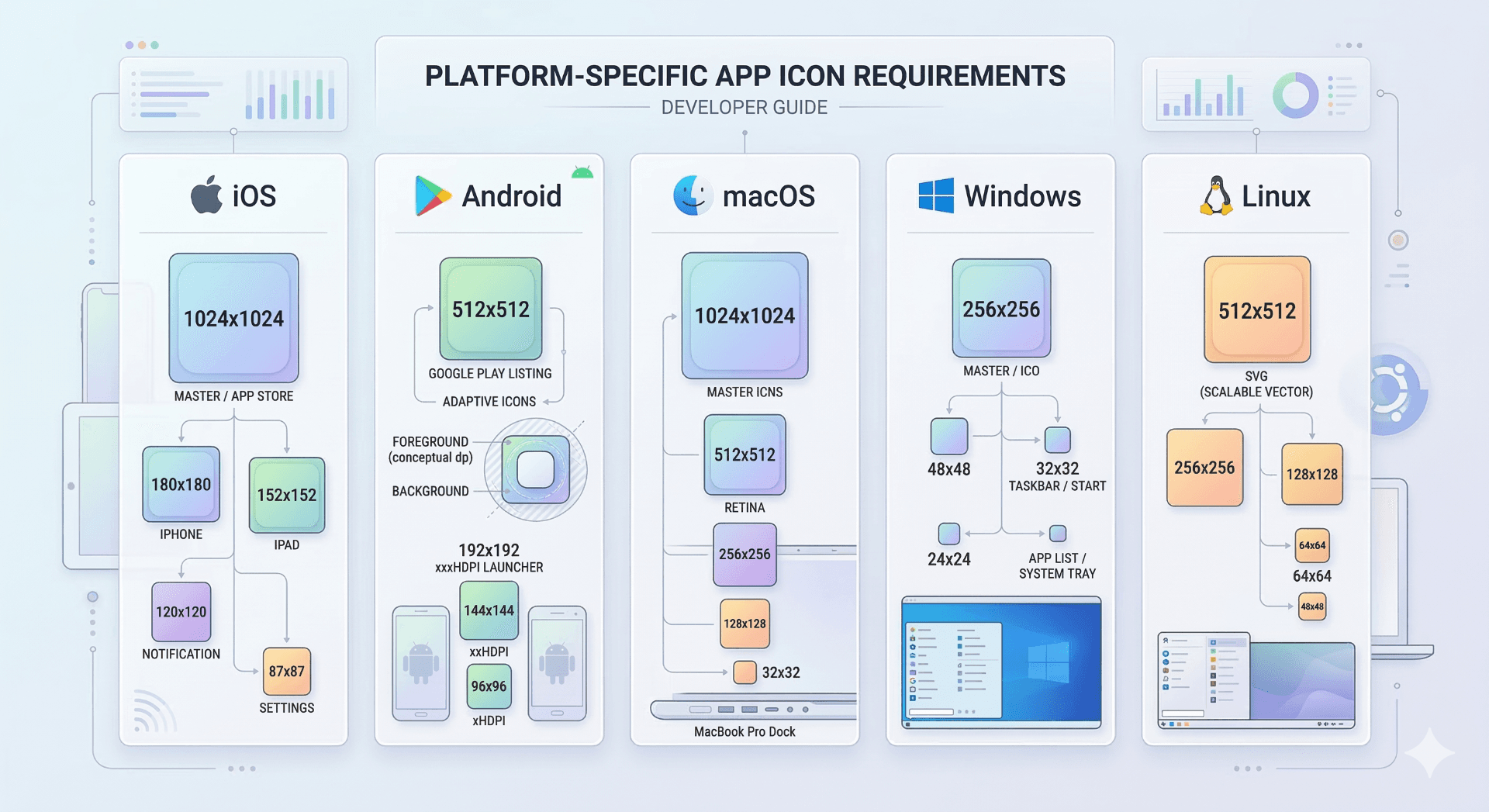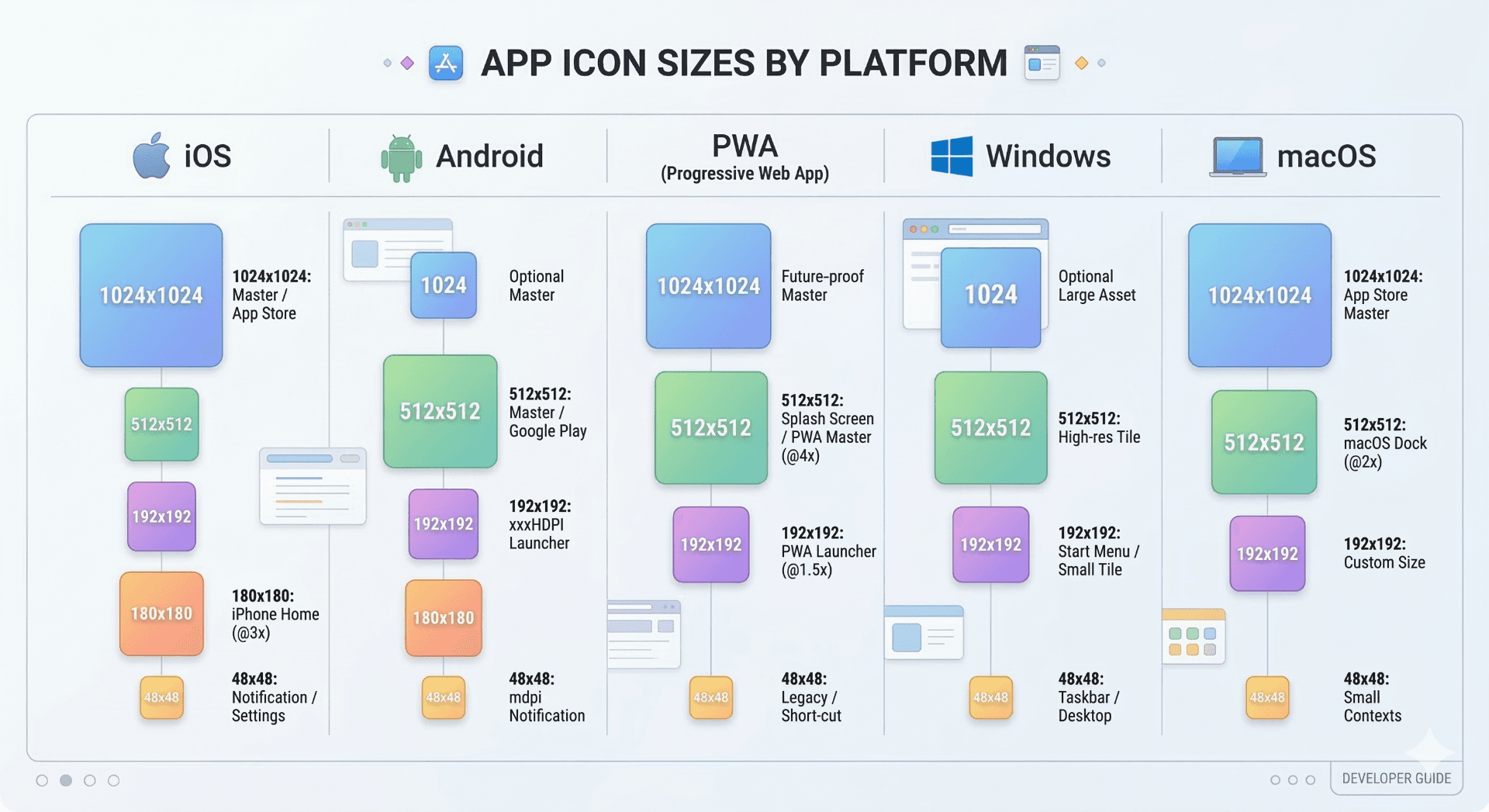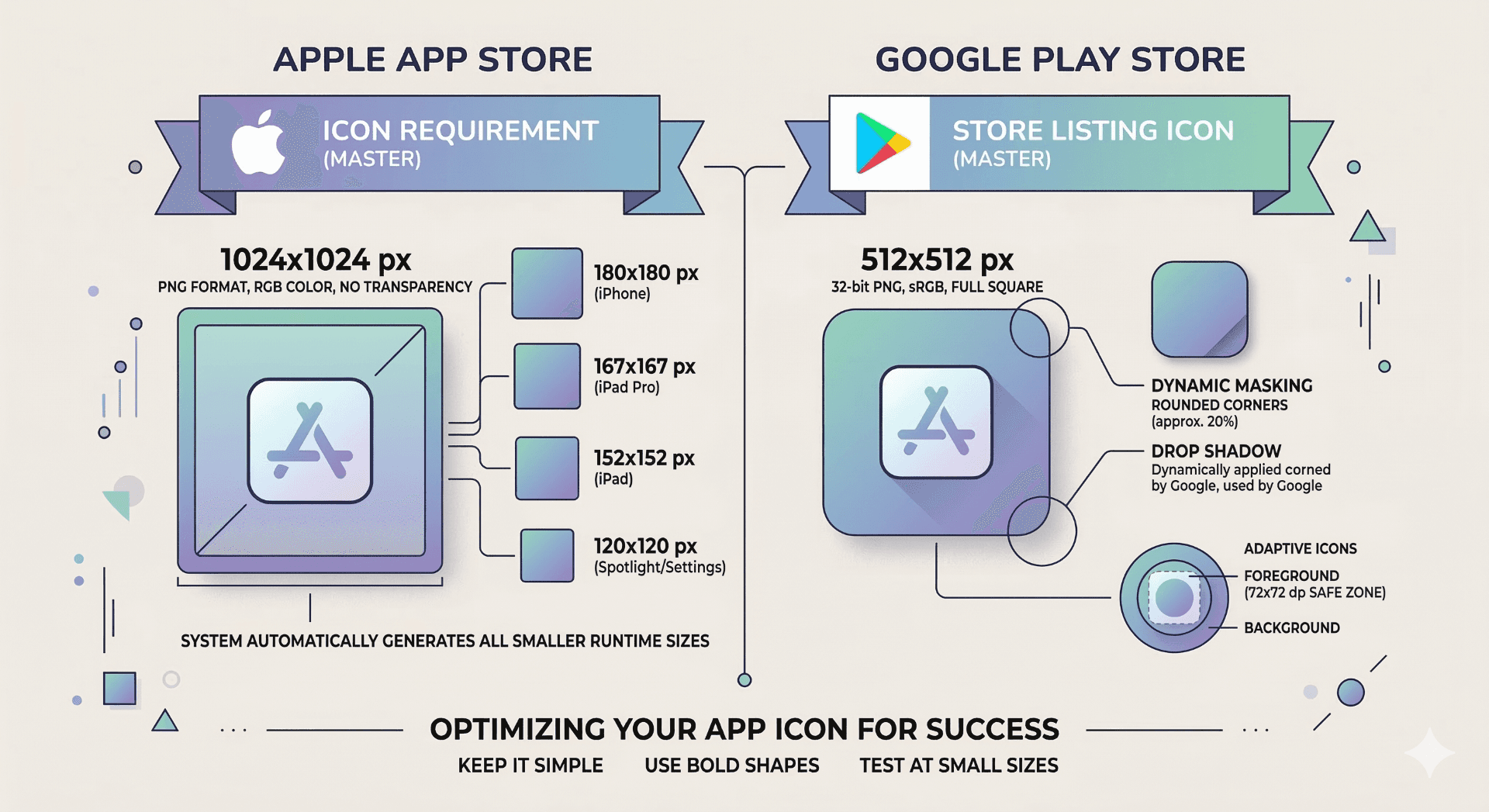
When publishing an app, the Apple App Store requires a 1024×1024 pixel icon without transparency, while the Google Play Store typically requires a 512×512 pixel icon. These icons are used for store listings and must follow each platform's design guidelines to ensure proper display.
Why App Store Icons Matter
Before publishing an application, both Apple and Google require a properly sized app icon. This icon represents your app in store listings, search results, and promotional sections.
A poorly sized icon can cause submission errors or visual quality issues. Preparing the correct icon size before submitting your app helps avoid delays during the review process.
Ready to Generate Your Icons?
Use our App Icon Generator to create perfectly sized icons in seconds.
Open App Icon GeneratorApple App Store Icon Requirements
Apple requires a 1024×1024 pixel icon when submitting an application to the App Store.
Important guidelines include:
| Requirement | Description |
|---|---|
| Size | 1024×1024 pixels |
| Format | PNG |
| Transparency | Not allowed |
| Shape | Square (rounded corners applied automatically) |
Apple automatically generates smaller icon sizes for different devices once the main icon is uploaded.
Design recommendations:
- Avoid transparency
- Keep the icon simple and recognizable
- Ensure it looks clear at smaller sizes
Google Play Store Icon Requirements
Google Play requires a 512×512 pixel icon for app listings.
Key requirements include:
| Requirement | Description |
|---|---|
| Size | 512×512 pixels |
| Format | PNG |
| Maximum file size | 1024 KB |
| Shape | Square (mask applied automatically) |
Google may display icons in different shapes depending on the device launcher.
Best practices:
- Use strong contrast
- Keep the design centered
- Avoid small text elements
Common App Icon Publishing Mistakes
Using Low Resolution Icons
Submitting a small icon that has been scaled up can result in blurry store listings.
Adding Transparency to iOS Icons
Apple does not allow transparency in App Store icons.
Overly Complex Designs
Icons appear very small in search results. Overly detailed designs become hard to recognize.
Preparing Icons for Multiple Platforms
When preparing icons for publishing, it is recommended to start with a 1024×1024 square image.
From this source image you can generate all required icon sizes including:
- App Store icon
- Play Store icon
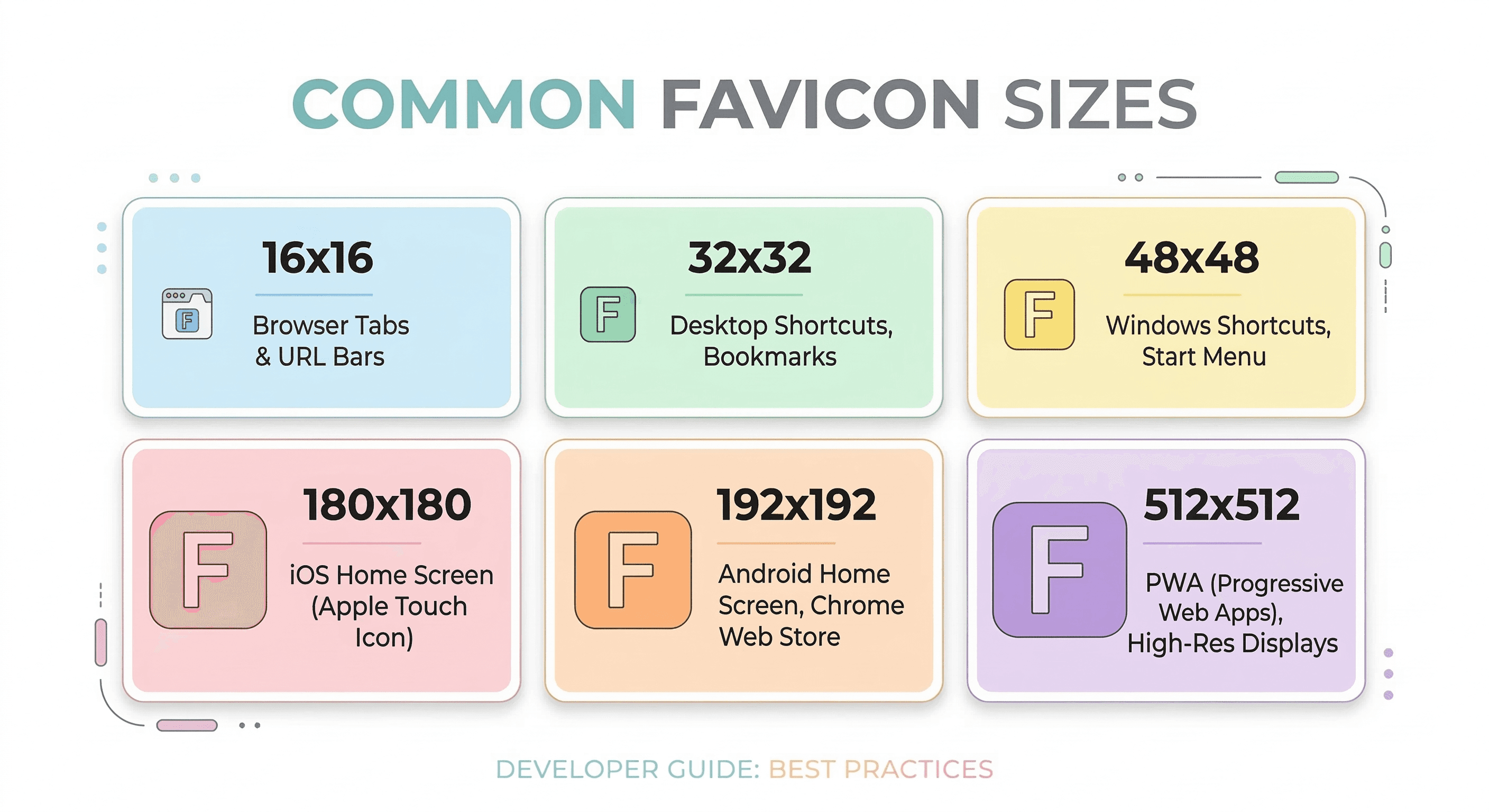
- iOS home screen icons
- Android launcher icons
- PWA icons
Generate All App Icon Sizes Automatically
Instead of exporting each icon size manually, you can generate the complete icon pack instantly.
Markifo allows you to upload a single image and automatically generate all required icon sizes for iOS, Android, PWA, Windows, macOS, and Linux.
Use our App Icon Generator to create perfectly sized icons for every platform.
Ready to Generate Your Icons?
Use our App Icon Generator to create perfectly sized icons in seconds.
Open App Icon Generator